I led design for Currents. Beta peaked at #149 on the App Store.♥
I was responsible for leading the design and product thought for Currents, a community-based social media app where content expires after 48 hours.
Currents
Social media that's actually social.
Disciplines
- Product Design
- Design System
- Identity
- Mobile
With
- Joanna Ni
- Sol Kim
- Subham Mitra
- + 10 more
Timeline
3 months, Jun–Aug 2025
Overview
Social media apps aren't social anymore. Instead of sharing content with friends, social media apps are built around endless doomscrolling.
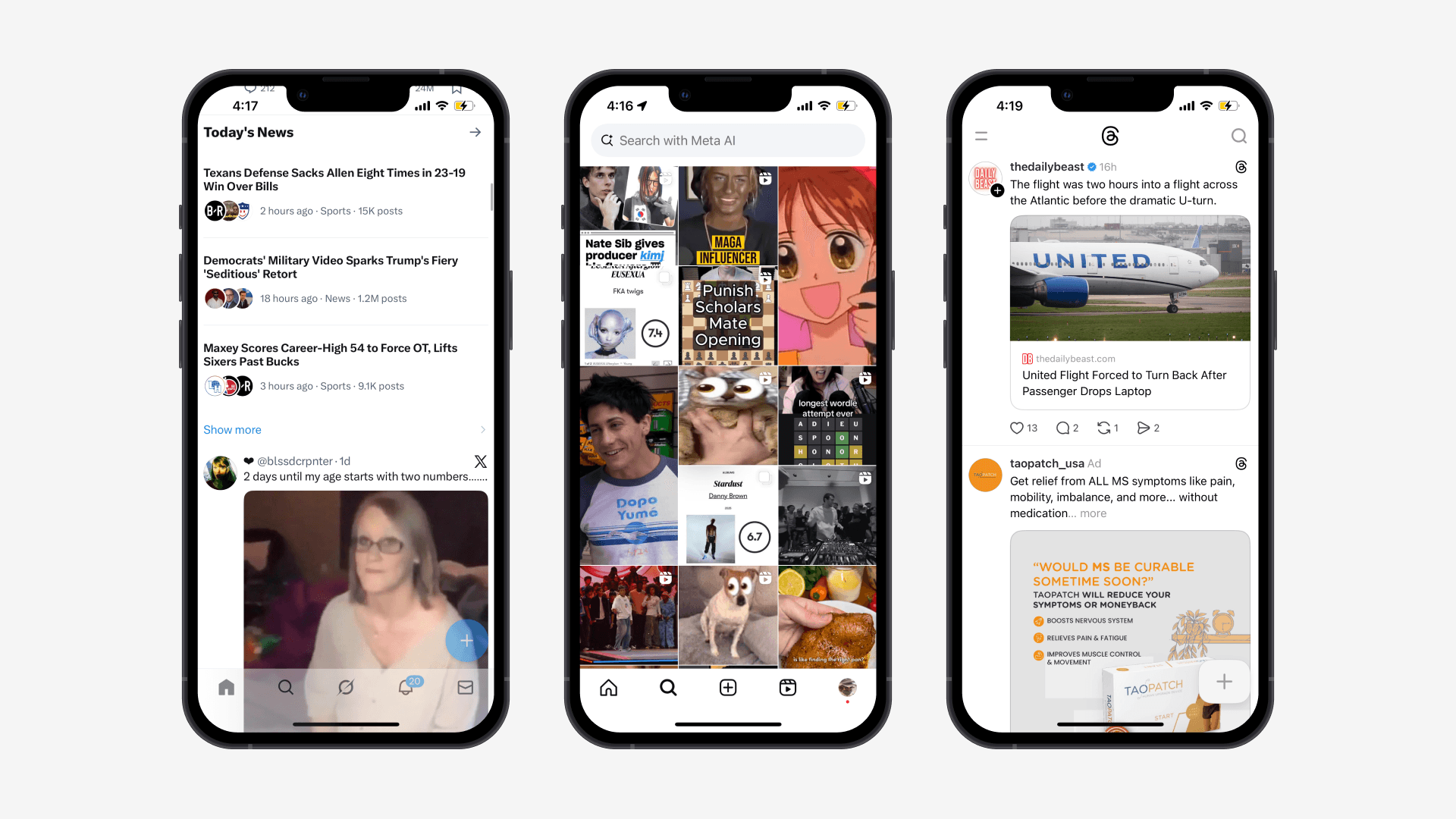
Currents began as a concept. I turned that concept into a real, tangible, app.
Going into the project, we only knew a couple things: that our app would target Gen Z, Gen Alpha, and young millennials (basically anyone under 30), and that our app would be based around sharing more localized content with friends.
From this concept, I developed our entire interface from the ground up. I created a robust design library, worked on product strategy, developed every flow and interaction, and owned every single pixel.
Ideation
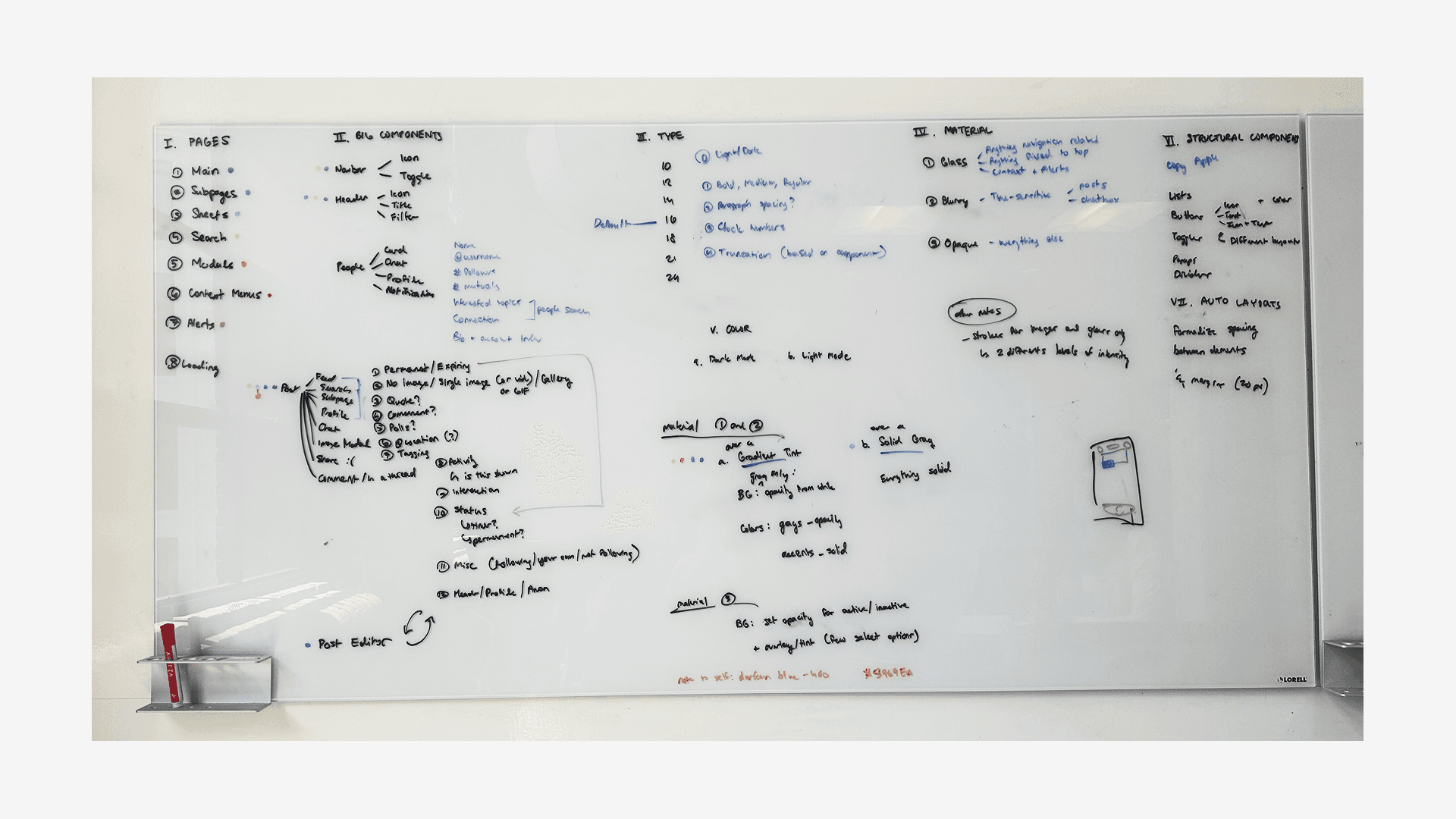
I spent a lot of time on whiteboards, planning out every single pixel of the app.
Feed
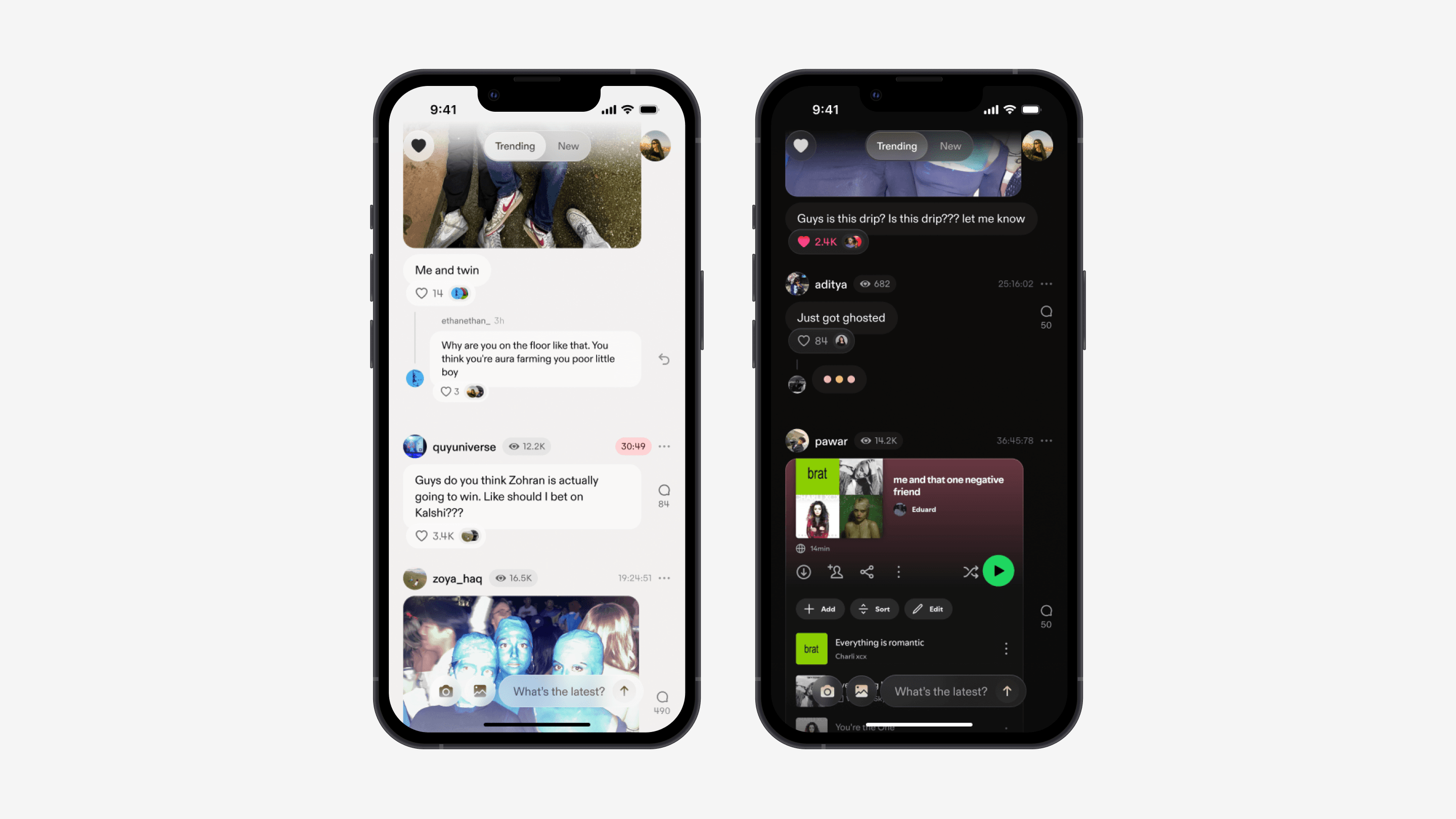
Scroll through a group-chat-styled feed of candid content.
Our feed and content structure is able to accommodate a wide variety of content, including text, images, videos, and polls. This structure allowed for compact pieces of content, clear hitboxes, and exciting engagement. It had the added benefit to make compact pieces of content, and had the added benefit of making the platform feel more casual and giving it a unique visual identity.
Posts expire after 48 hours.
A key to Currents' identity was defaulting all posts to expire after two days. This not only addresses rising user concerns about digital privacy, but also made posting feel more casual and conversational.
Easy previews for images and videos.
Images and videos in posts are sometimes cropped to ensure proper formatting (i.e. if they are too wide or narrow). Thus, we added an media modal for users to expand images for a better preview. In the modal, users are still able to comment, like, and view post information.
Modal
Our media modal allows users to view posts when swiping up or tapping the up chevron in the bottom right corner.
Our goal was to make users feel like they were in a room full of people. One of our key "aha" moments was live posting.
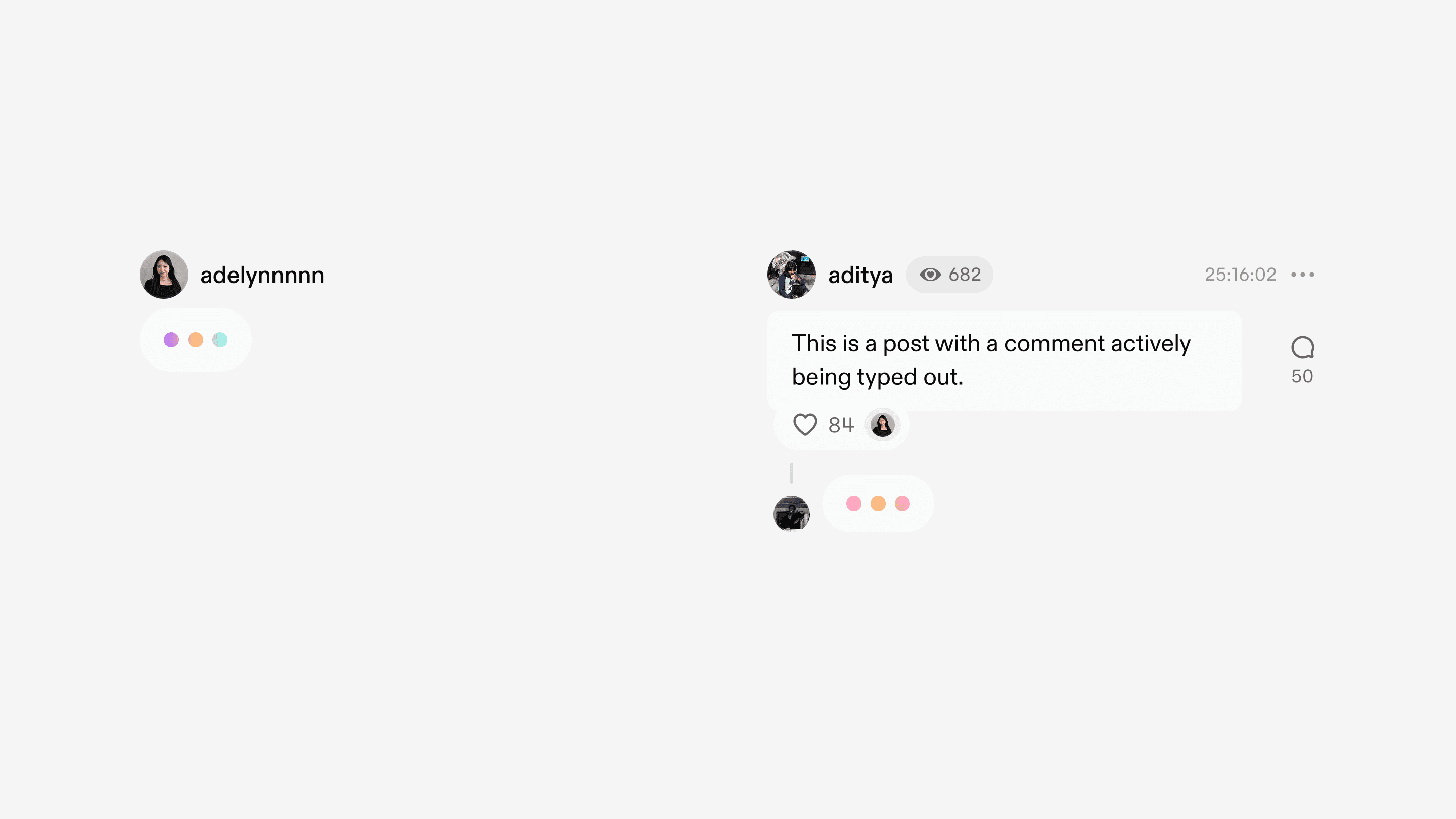
Live Posting
Users can see when others comment and post in live time.
Posting
Post on Currents faster than anywhere else.
Posting is the most important feature of our app, and it needed to be delightful, efficient, and simple. Unlike other social media apps, post creation on Currents happens within the feed itself (instead of in a separate sheet or subpage), reducing tons of friction. To add an extra layer of delight, I created a suite of colorful gradients that would appear behind the text box.
Create
Create posts quickly and casually, with a user flow that follows common user patterns.
Image Editor
A simple image editor tool for users to beautify and meme-ify their images.
Micro-interactions
Our micro-interactions were made directly in the code.
This allowed us to truly experience how the interactions fit within the app, allowing us to quickly and effectively perfect the animation.
Engagement
Double-tap to like a post. My CTO, Sol, found a cool trick to create a dynamic and wiggle animation based on a sine wave!
Navigation
Glass components appear and disappear with a slight layer blur effect, making them feel more fluid and ephemeral.
Profile
Customize your profile with personalized content, driven by 40 user interviews.
Our user interviews revealed what people were comfortable with sharing about themselves, and what information people wanted to see about others. We turned these into editable "widgets" that would appear on the profile screen.
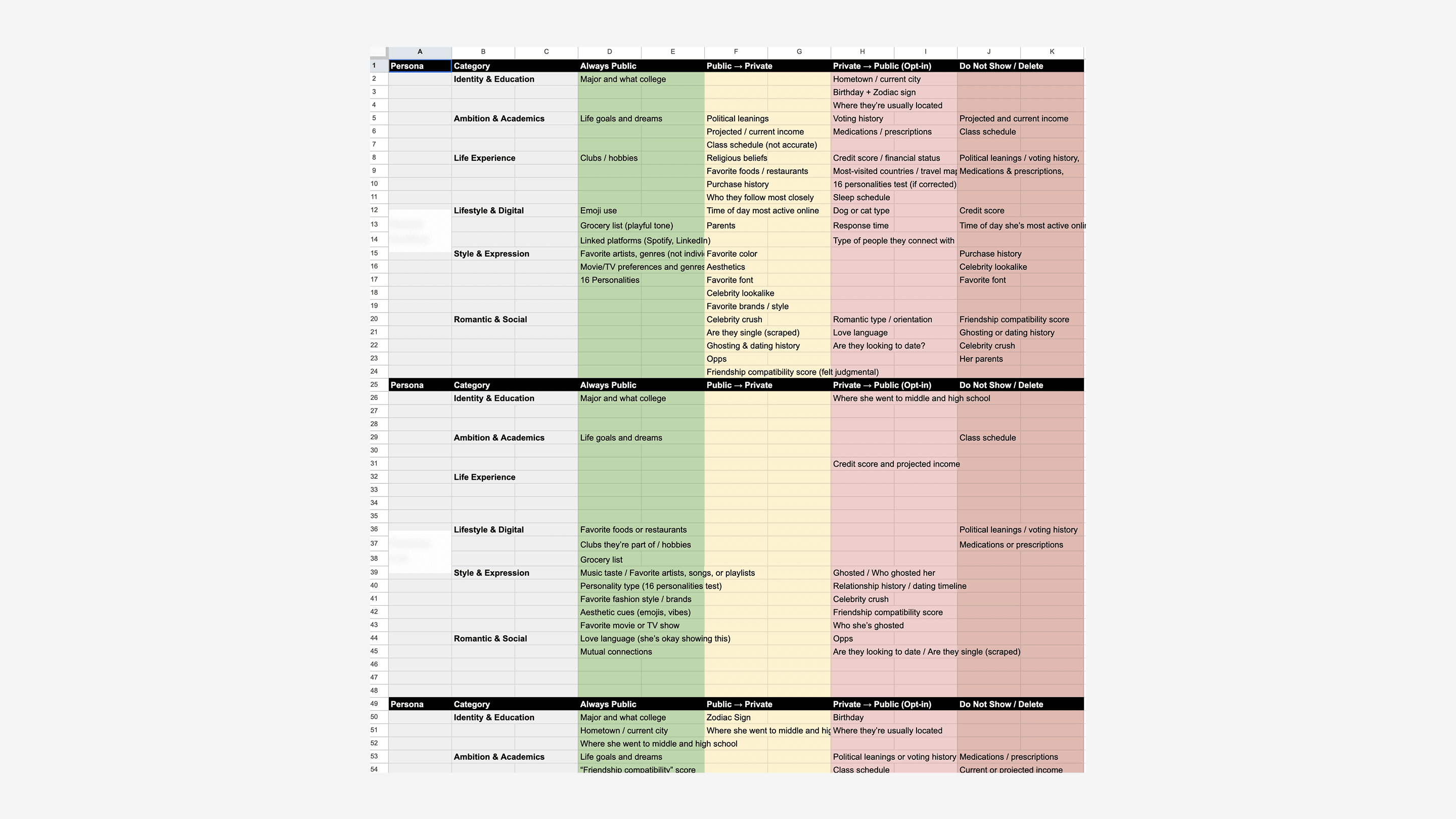
Research
What information are people comfortable with sharing?
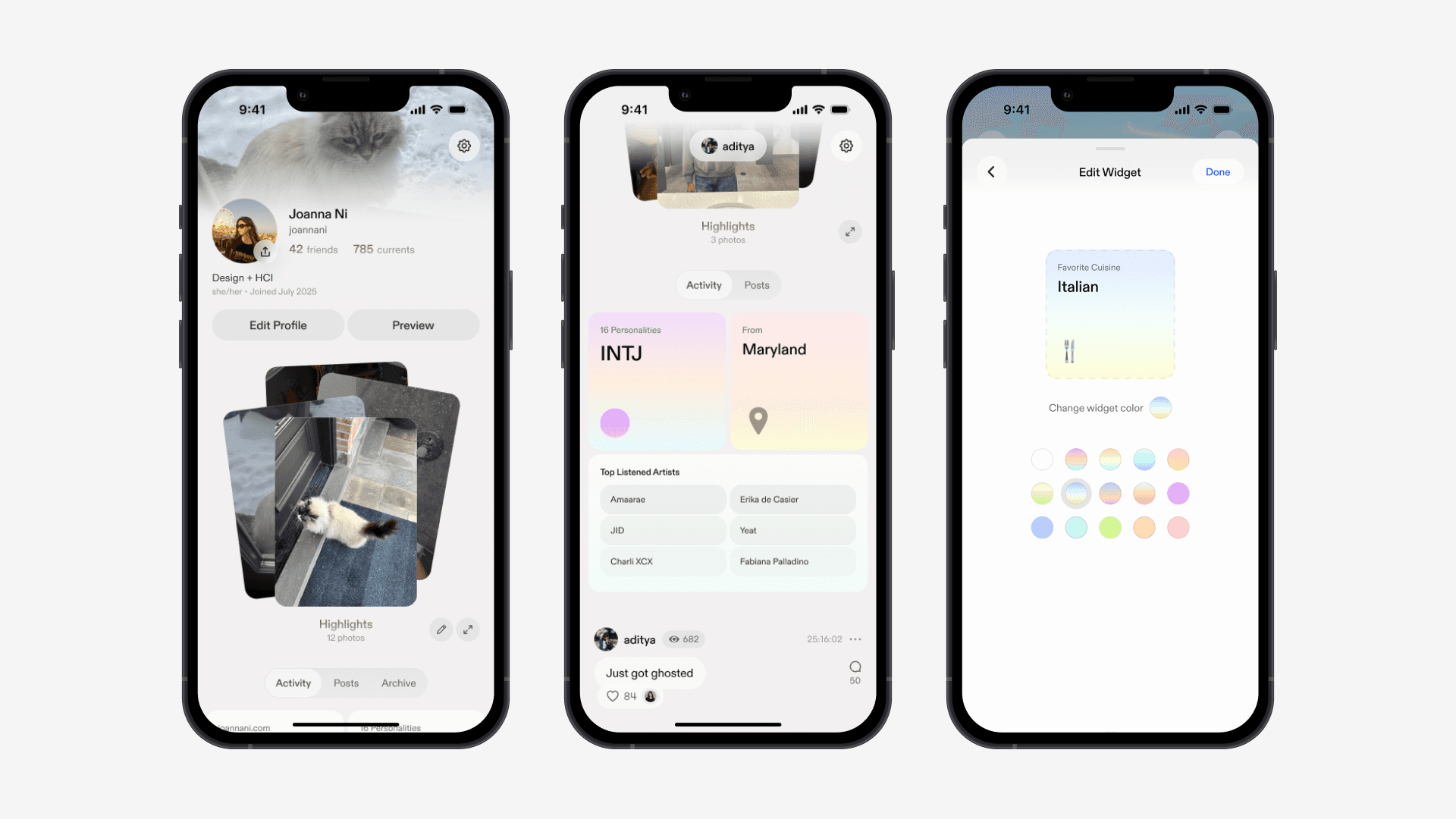
Profile
Personal profile screen.
Design Library
An app that works in both light and dark mode, powered by a design library that cut frontend lift nearly in half.
The library allows for both light and dark mode and allowed for all pages in the app to be composed of structured components, rather than hardcoded by hand. Along the way, I learned SwiftUI to help set the library up in Xcode, created rigorous typography and color systems, and set up robust and detailed documentation to ensure proper handoff. The library ended up having over 3,000+ variants!
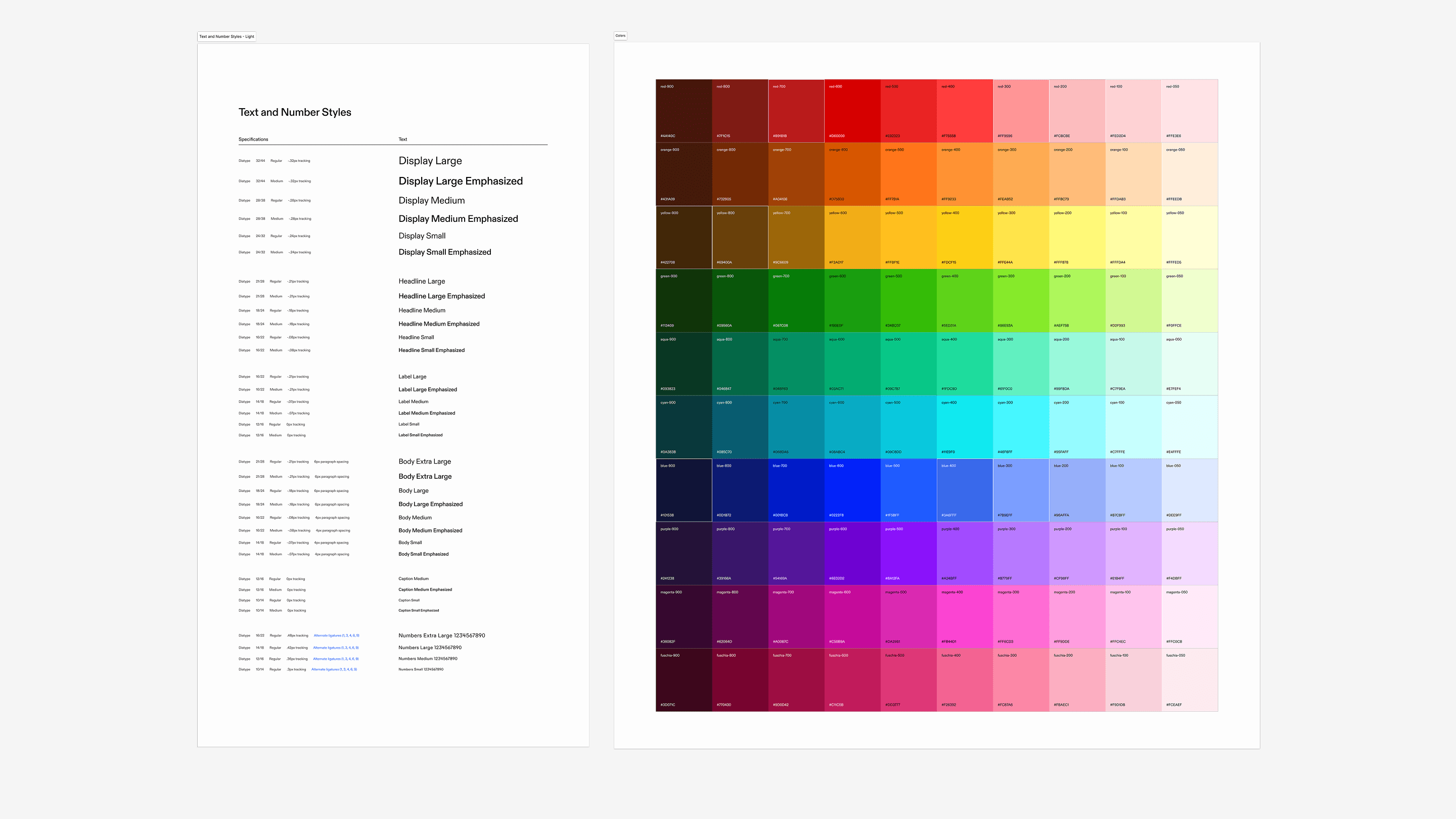
Above
Colors and typography systems for our interface.
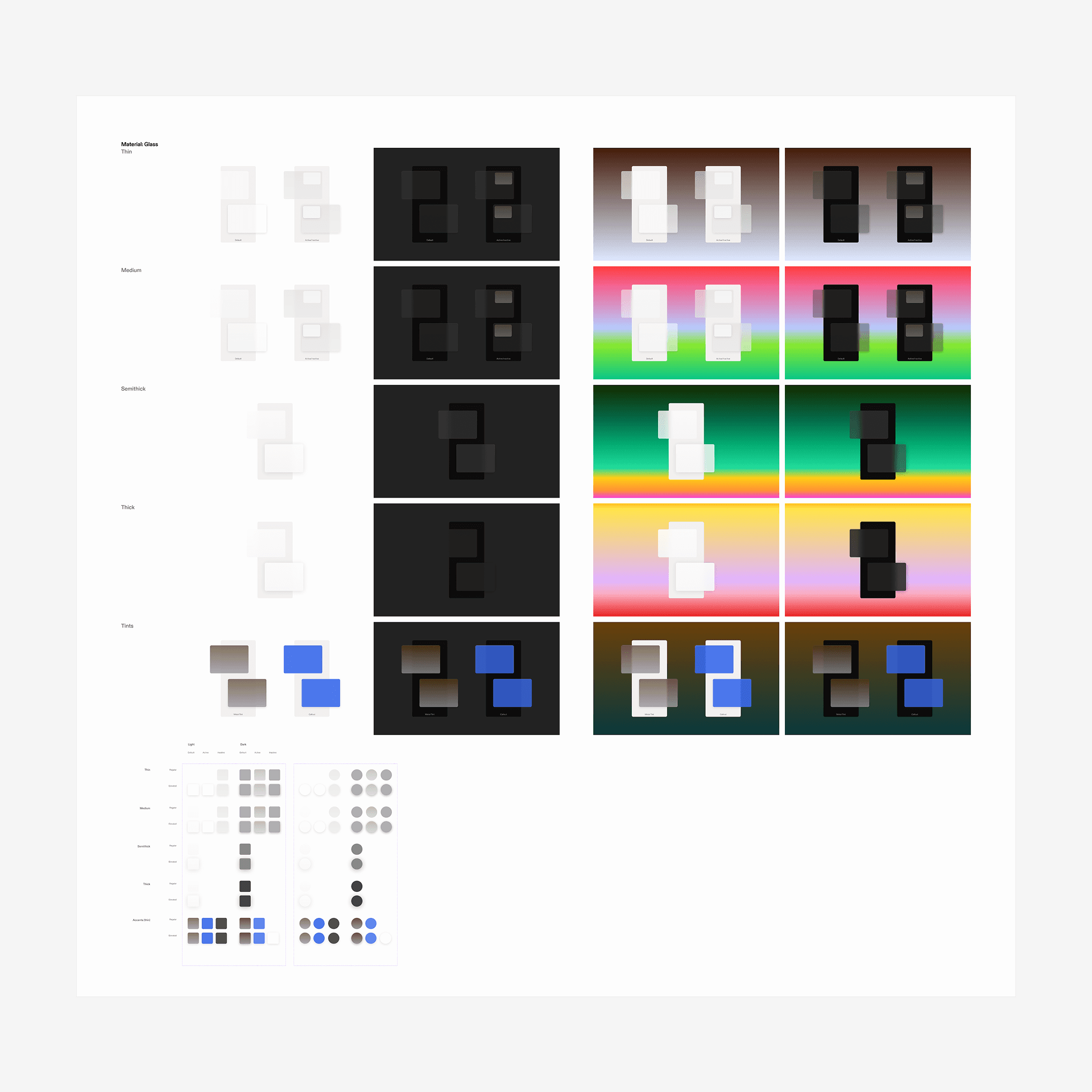
Glass
Glass materials allowed elements to seamlessly layer above one another without confusing users or taking up too much space.
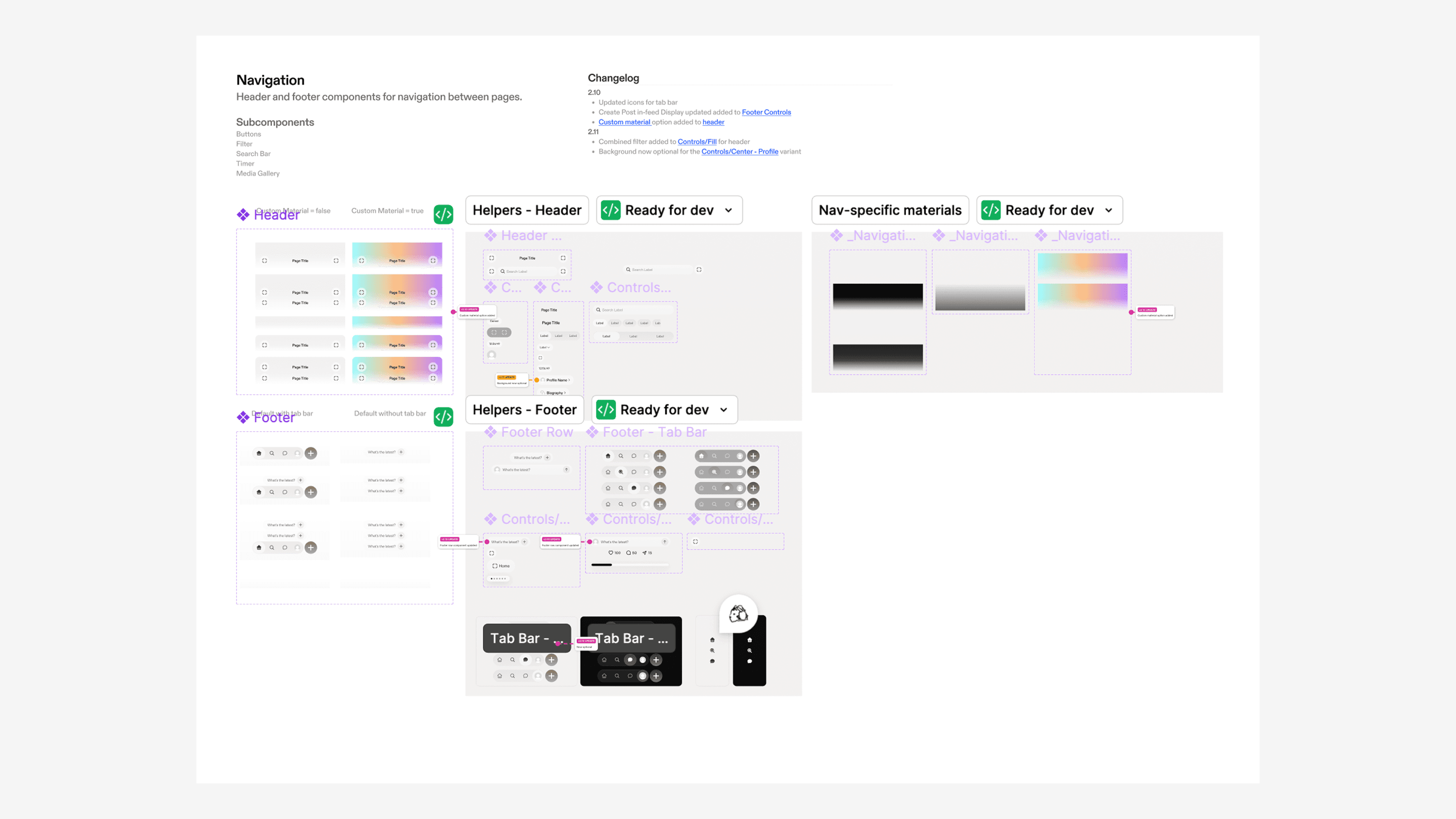
Documentation
All components were rigorously structured and documented.
Icons & Gradients
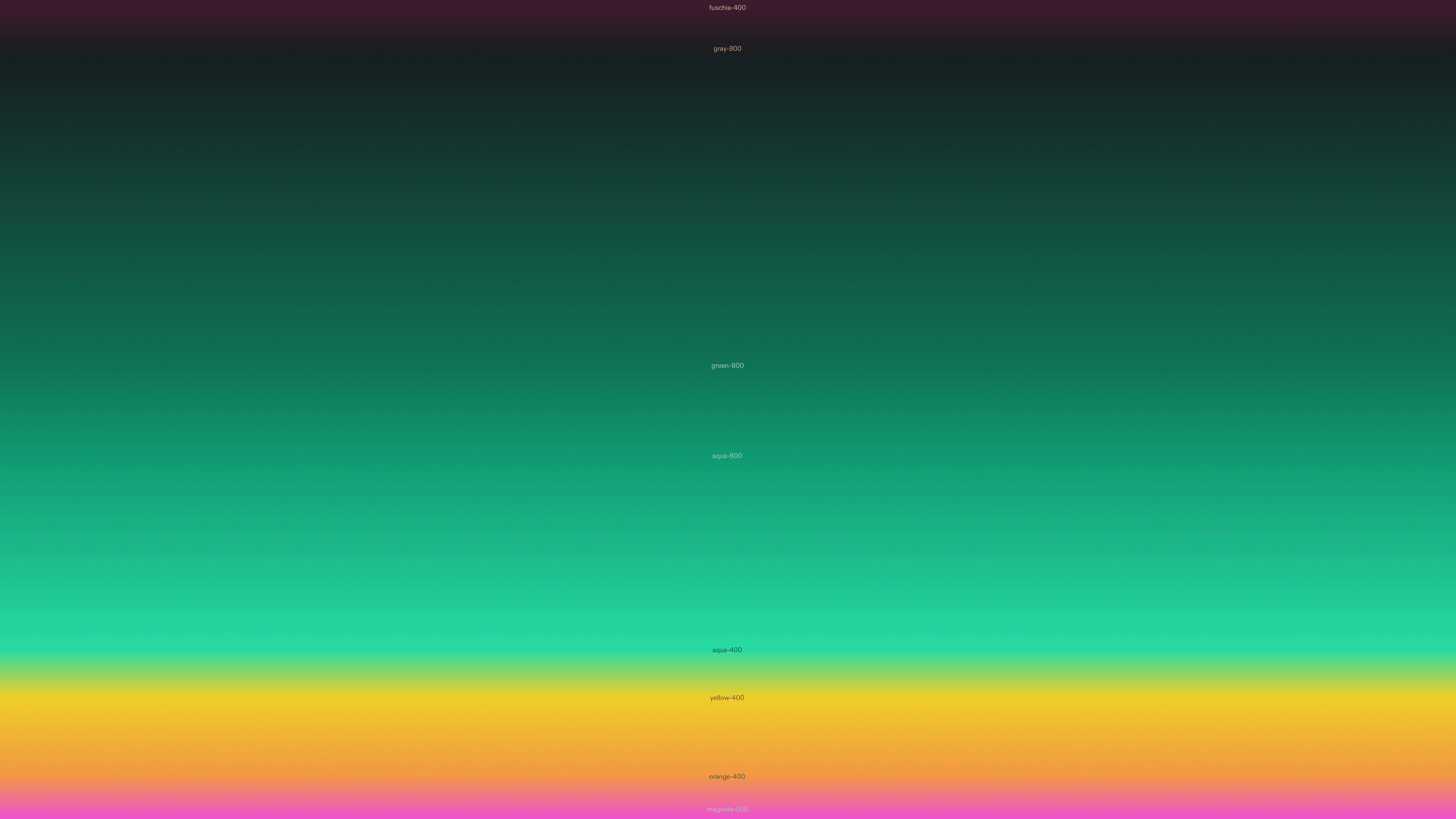
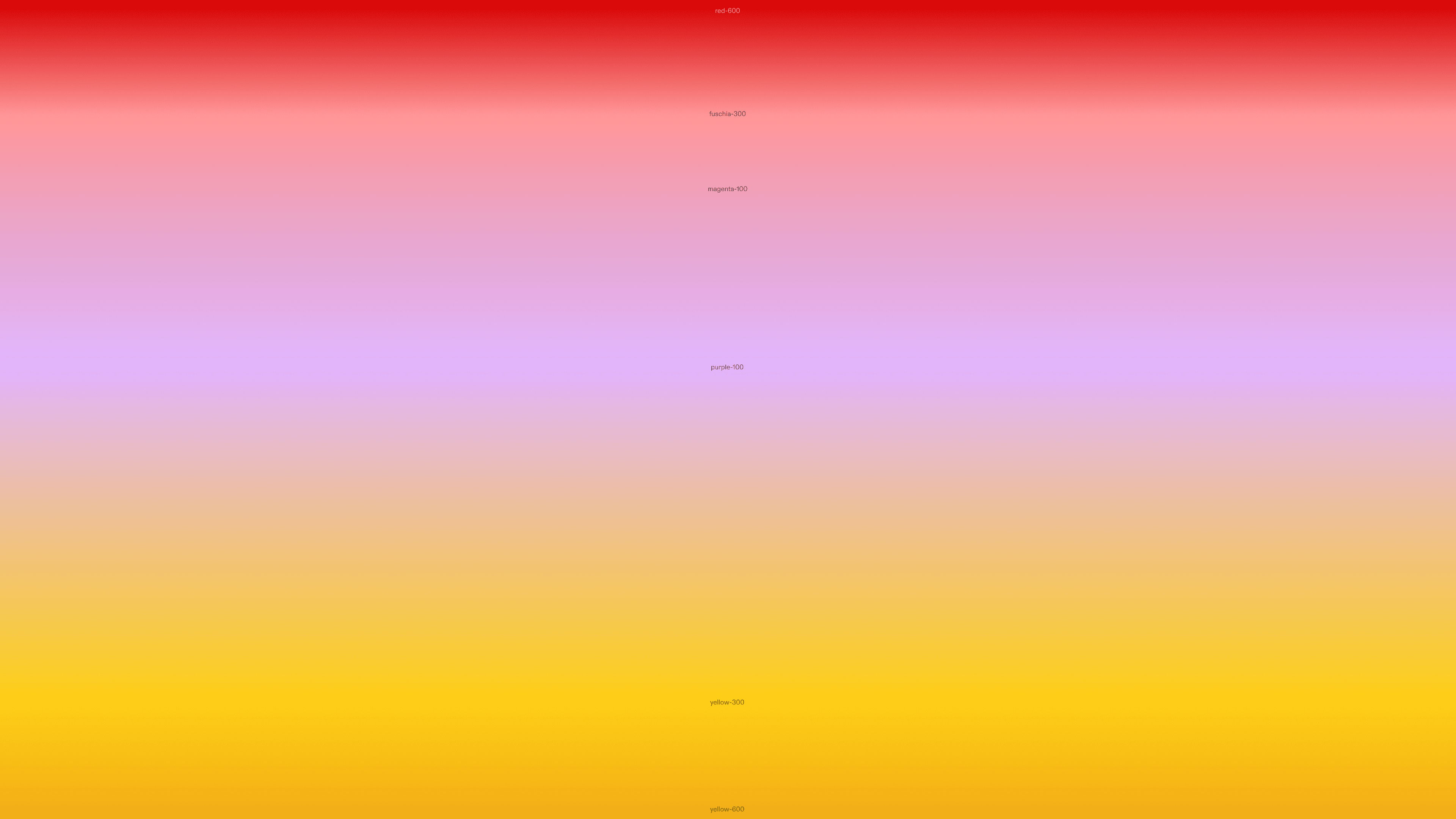
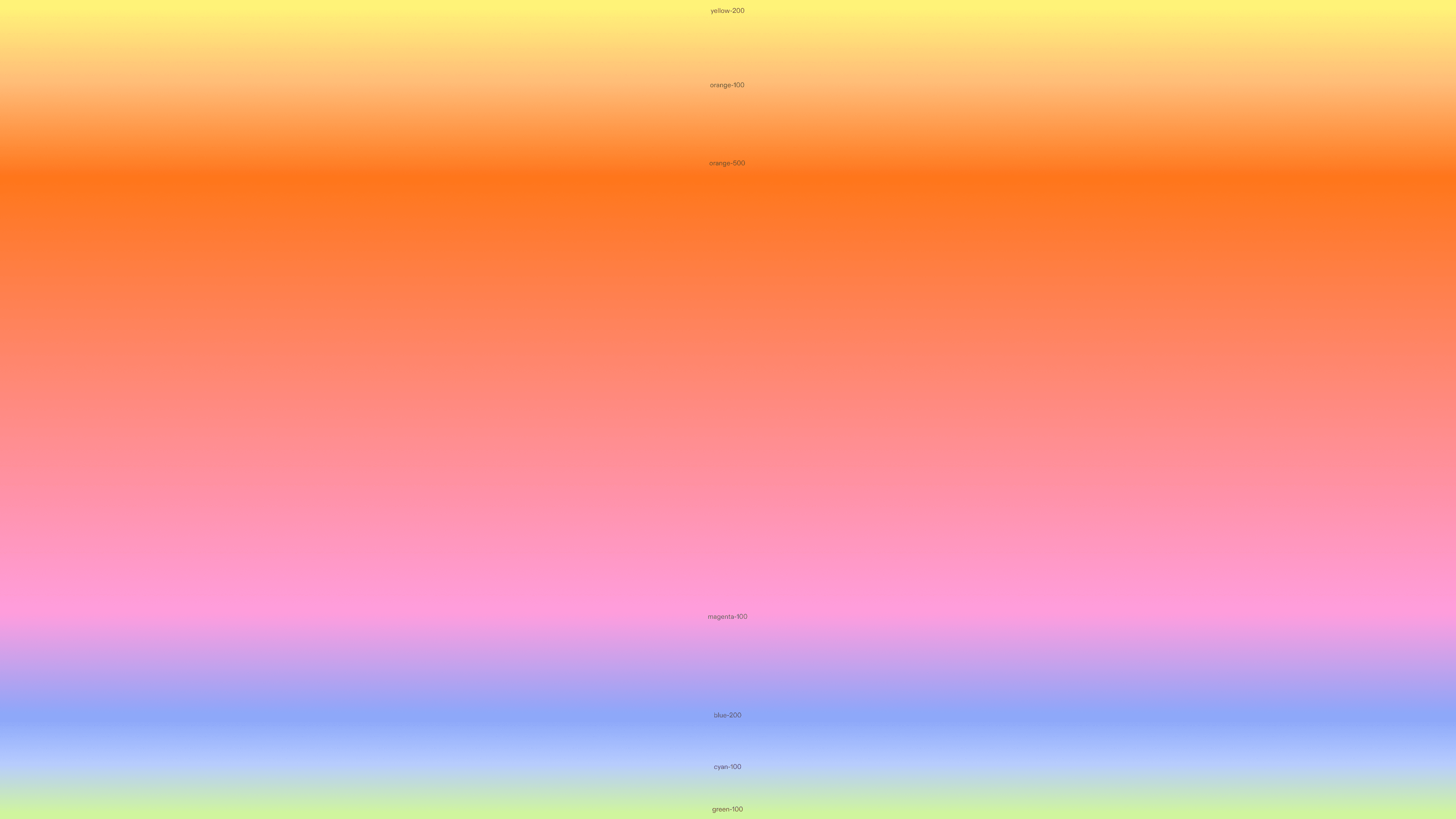
I built an internal tool that allowed our team to randomly generate beautiful, harmonious gradients based on our color library.
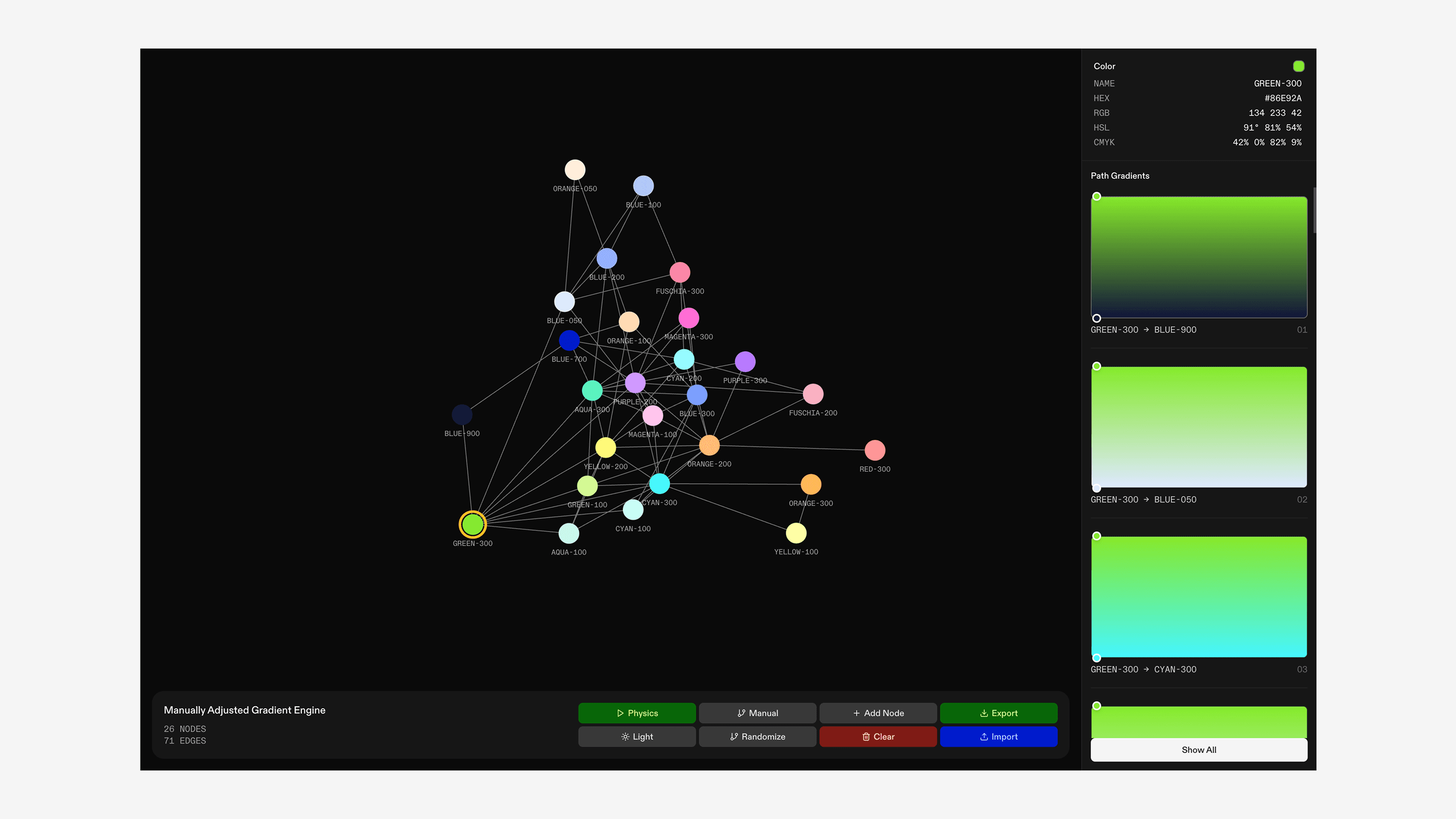
1/2
Colors became vertices on the graph, with edges representing color pairings that created harmonious gradients.
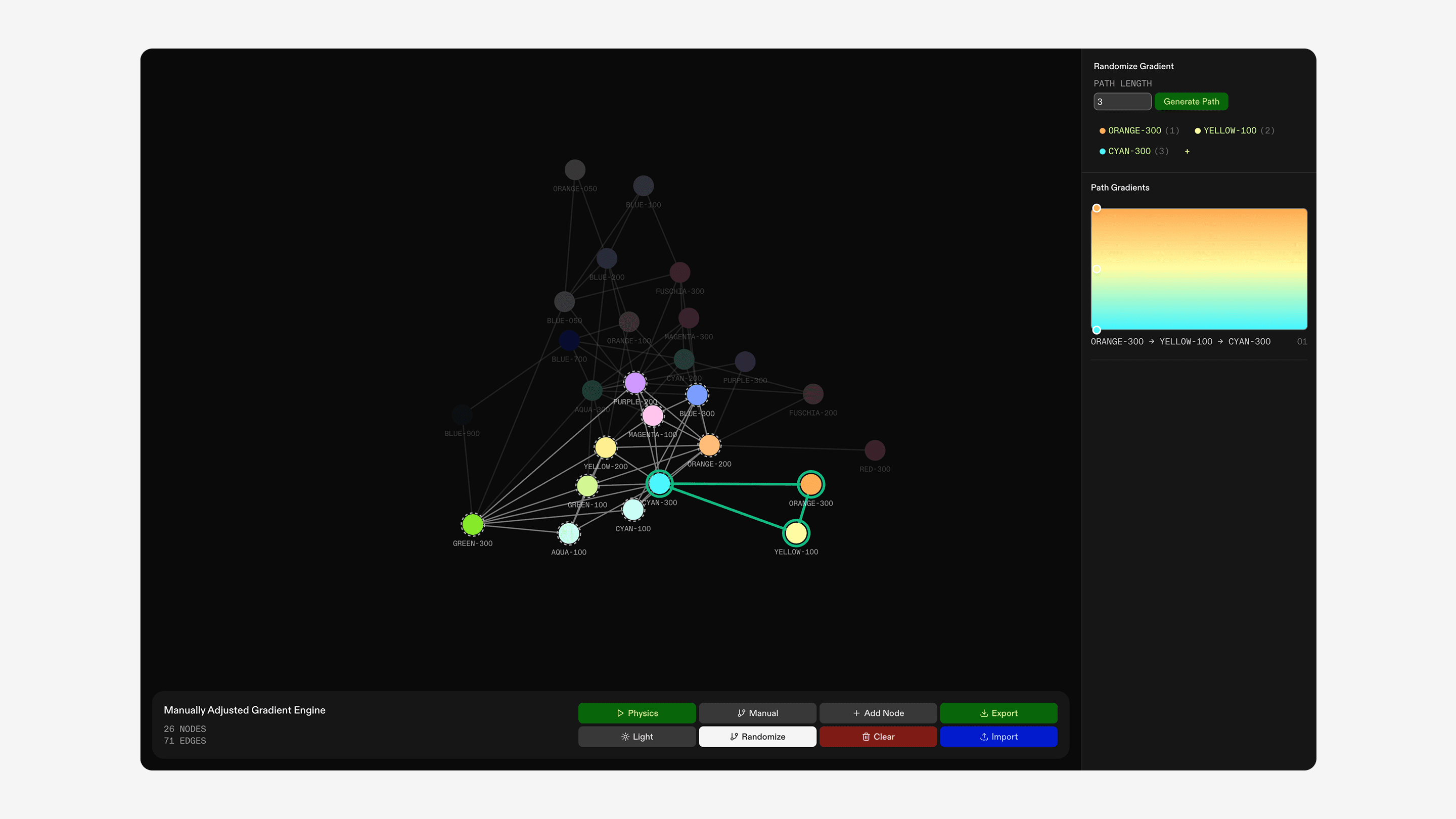
2/2
This means that gradients can be represented as paths along the graph, allowing us to randomly generate gradients for our interface!
With this tool, we were able to display randomly generated gradients throughout our interface, bringing a new sense of delight every single time a user took a repeated action. We also used the tool to manually generate some more elaborate gradients that we used for growth materials.
/
Sunset gradient.
1 of 5


Joanna and I also drew over 200 icons for the interface, entirely from scratch.
Icon library
Over 200 icons, drawn from scratch.
Wrapping Up
After six intense sprints, we launched our beta, climbed the App Store charts, and raised at a $30M dollar seed valuation.
I joined Biography at the beginning of the summer, and everything since still feels like a fever dream. I cannot put into words how much I've grown from working with the incredible and brilliant Biography team. I grew much more confident in myself and my work, and learned how to stand up for my ideas without being stubborn or unreceptive to feedback. I also learned how to best set up prototypes for developers to implement and communicate in a fast-paced environment with a ton of people all working on different projects. It was a lot of trial and error, a lot of late nights, and a lot of last-minute scrambles. But somehow, we made it to the other side!
What's next for this project?
We're currently working on gathering user feedback to improve our product. While I am unable to show any of the new iterations I've been working on until we properly ship these refinements, I'm excited for the next chapter!
A quick update: we recently pulled Currents back into closed beta as we gather user feedback and work on improving the product for a proper launch. This unfortunately means that we're no longer allowing new sign-ups to the app for a little bit. But stay tuned, it's about to get a whole lot better!
Comment Sections
In most social media platforms, comment sections are sorted by relevance.
However, actual conversations, both in group chats and real life, are ordered by recency.
How do we balance these two methods, to promote funny comments but still maintain natural conversational flow?
1/2
Comments replying directly to the post are ordered by relevance
2/2
However, replies to these top comments can be expanded to view an entire conversational thread.